
Sorting, filtering and removing duplicates
Sorting must move whole rows, not one column. Select a single cell inside the table and let Excel work out its extent, or select every column before sorting: sorting one column on its own detaches it from the rest of its row and there is no error and no easy way back. Filtering is safe by comparison because it only hides rows; Remove Duplicates is not, because it deletes them.

These are the tools that reorganise a table rather than calculate from it, and they are the ones with the greatest capacity to ruin a file. Two of the three destroy data if you get them wrong, and only one of those two warns you.
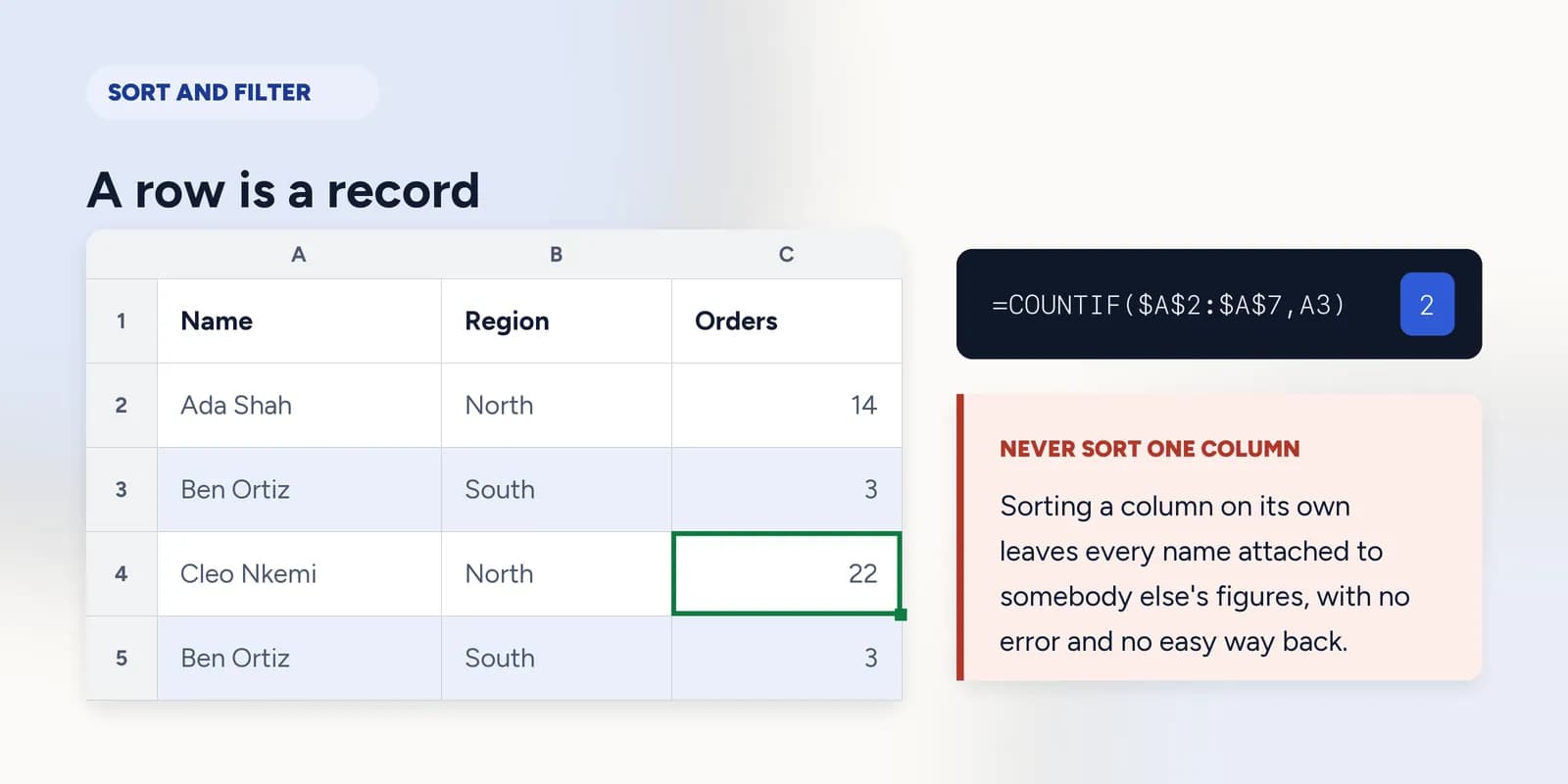
The underlying idea is the same for all three: a row is a record. The name, the region and the order count in row 4 belong to one another. Every mistake in this part comes from an operation that treated one column as if it could move independently of the rest of its row.
A row is a record
When you sort by order count, the order counts are meant to be reordered and so is everything on their rows. If you select only the Orders column and sort it, Excel sorts exactly what you selected and leaves the names where they were. Every row in the table is now a different person's name attached to somebody else's figures.
| A | B | C | |
|---|---|---|---|
| 1 | Name | Region | Orders |
| 2 | Ada Shah | North | 14 |
| 3 | Ben Ortiz | South | 3 |
| 4 | Cleo Nkemi | North | 22 |
| 5 | Ben Ortiz | South | 3 |
| 6 | Dev Rao | East | 9 |
| 7 | Eli Fontes | North | 17 |
Sorting also changes what a reference points at. A formula written to read B2 keeps reading B2 after the sort, and B2 now holds a different record. This is not a bug: the formula was always about a position, not about a person. It is a good reason to write summaries with lookups rather than with direct references to particular rows.
Filtering hides, it does not delete
A filter narrows what you can see. The rows that do not match are hidden, not removed, and clearing the filter brings them all back. That makes it the safe one of the three, and the right tool for looking at a slice of a table without changing it.
- The row numbers down the side jump where rows are hidden, which is the clearest sign a filter is on.
- Copying a filtered range copies only the visible rows, which is usually what you want and occasionally a surprise.
- SUM over a filtered column still totals everything, hidden rows included. SUBTOTAL is the function that respects a filter.
What counts as a duplicate
Remove Duplicates permanently deletes rows and gives no preview. It compares the columns you tick, so a row has to match on every ticked column to be treated as a repeat. Tick fewer columns and it becomes more aggressive, not less.
=COUNTIF($A$2:$A$7,A3)Count before you delete. Ben Ortiz appears twice, and a column of these numbers shows exactly what is about to be removed.
Excel compares text without regard to capitals, so ADA and Ada are duplicates. It does not ignore spaces, so Ada and Ada with a trailing space survive as two separate rows. That pair of rules catches people from both directions, which is the argument for running TRIM over the column first and counting second.
What goes wrong
These are the mistakes this part exists to prevent. Each one is reasonable, which is why people make it and why nothing on the sheet objects.
Sorting a single column of a table
WhyYou wanted that column in order, so selecting it and sorting it is the obvious move, and the result looks like a sorted table.
InsteadClick one cell inside the table and sort from there. Excel detects the full extent and moves whole rows.
Deleting rows while a filter is on
WhyThe visible rows look like all the rows, and selecting and deleting behaves normally.
InsteadClear the filter first, or use Remove Duplicates and Go To Special which are designed for it. Deleting a filtered selection can take hidden rows with it depending on how the selection was made.
Running Remove Duplicates without counting first
WhyThere is no preview, the dialog is quick, and it reports a tidy number of rows removed that sounds like confirmation.
InsteadAdd a COUNTIF column first and look at what is about to go. Ctrl+Z works only until the file is closed.
Common questions
How do I sort data in Excel without mixing up the rows?
Click a single cell inside the table, then sort. Excel works out the full extent of the data and moves whole rows. Only select a range yourself when you want to sort part of a sheet deliberately.
Does filtering delete rows in Excel?
No. Filtering hides rows that do not match and clearing the filter brings them back. The jump in the row numbers down the left is how you can tell a filter is active.
Why does my SUM include filtered-out rows?
SUM totals the whole range regardless of what is hidden. Use SUBTOTAL with function number 109, or AGGREGATE, when you want the total of just the visible rows.
What does Excel count as a duplicate?
A row that matches on every column you ticked in the dialog. Text is compared without regard to capitals, so ADA matches Ada, but spaces are significant, so a trailing space makes two identical-looking rows survive.
Can I undo Remove Duplicates?
Ctrl+Z restores the rows while the workbook is still open. Once it has been closed they are gone, which is why counting the repeats with COUNTIF before deleting anything is worth the minute it takes.